

A surprising amount of compliance work can be administrative. Someone assigns an activity, records a date, reminds the owner, checks whether anything has changed, follows up again, updates a tracker, and escalates the item if it remains outstanding. When the activity repeats, much of the same coordination starts again. None of these individual steps may seem difficult. The burden appears when they are repeated across dozens or hundreds of activities involving different people and departments. Compliance automation software for companies in Pakistan can help reduce repetitive coordination. It supports organization-defined workflows, recurring activities, reminders, follow-ups, and escalations. This allows responsible...

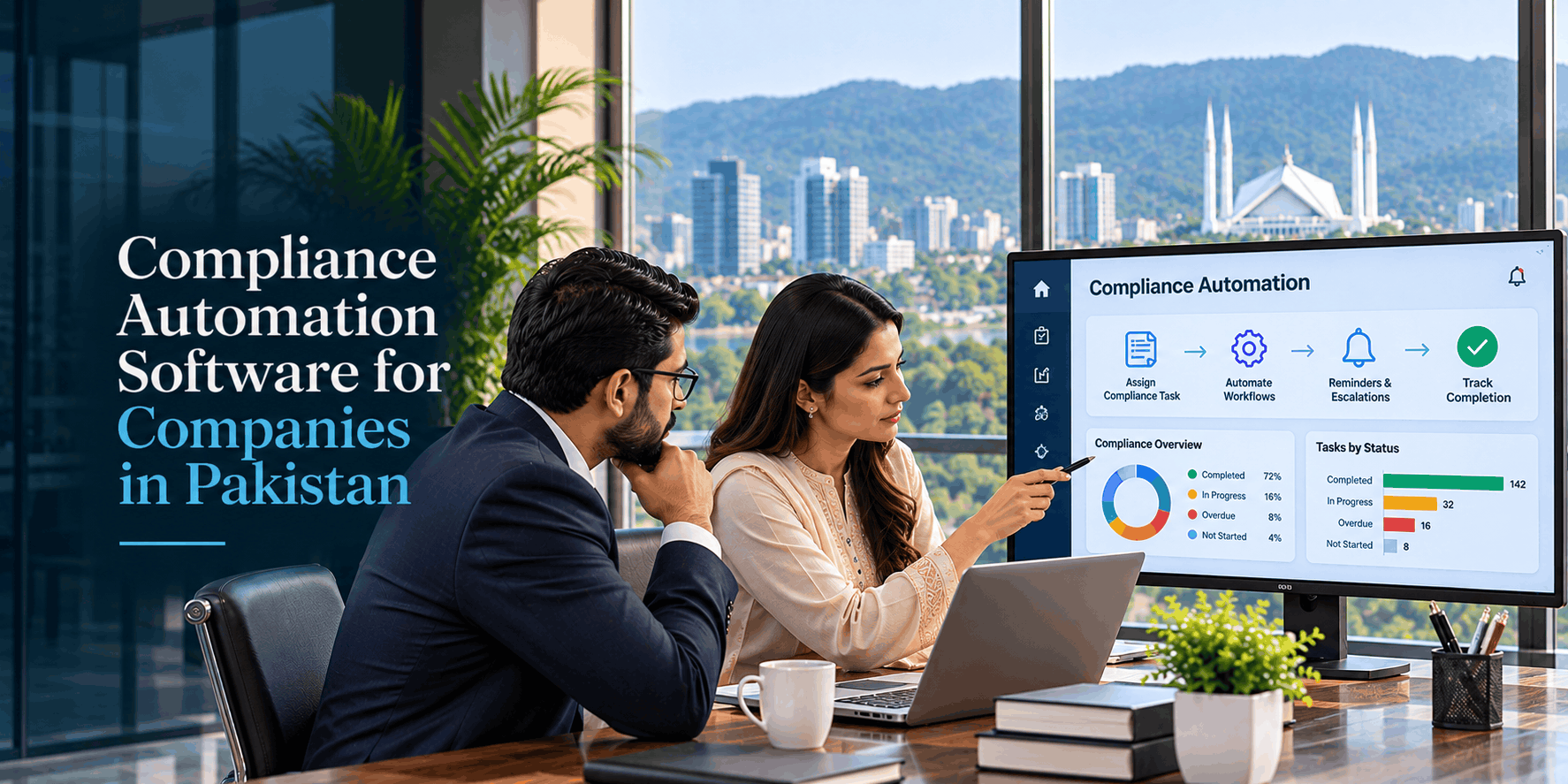
A surprising amount of compliance work can be administrative. Someone assigns an activity, records a date, reminds the owner, checks whether anything has changed, follows up again, updates a tracker, and escalates the item if it remains outstanding. When the activity repeats, much of the same coordination starts again.
None of these individual steps may seem difficult. The burden appears when they are repeated across dozens or hundreds of activities involving different people and departments.
Compliance automation software for companies in Pakistan can help reduce repetitive coordination. It supports organization-defined workflows, recurring activities, reminders, follow-ups, and escalations. This allows responsible employees to retain control over decisions and accountability.
The Work Around Compliance Can Become Work of Its Own
A manual compliance process often creates a second layer of activity around the actual compliance work. The organization has the activity itself, but somebody also needs to maintain the process that keeps it moving.
A compliance employee may spend time checking spreadsheets for approaching deadlines and emailing owners for updates. They must also record responses, identify delayed activities, and prepare lists for further follow-up.
Automation can reduce parts of that administrative workload so compliance teams can spend less time maintaining the tracking process itself.
Start With Repetitive Steps, Not Decisions
The strongest opportunities for automation are often the predictable parts of a process. These include assigning recurring activities, generating reminders, and routing work through configured workflows. Organizations can also automate escalations for outstanding items.
Compliance workflow automation can support these repeatable actions without deciding what the organization should do from a compliance perspective.
That distinction is important. Automation should execute configured process steps rather than interpret compliance requirements. It should not determine whether an activity is compliant or replace the judgment of responsible employees.
The organization remains responsible for defining the process. Technology helps that process run more consistently.
Organizations Should Not Have to Rebuild Recurring Activities
Some compliance activities recur according to schedules established internally by the organization. In a manual environment, each new cycle may require copying an old spreadsheet row. Teams must then reassign the activity, confirm dates, and restart follow-up.
Automation can simplify recurring work. It creates the next activity according to the organization’s configured process while keeping responsibilities visible.
This can also support compliance deadline tracking by connecting dates with owners, reminders, and activity status. Instead of relying entirely on someone to identify approaching work manually, responsible users can receive prompts as part of the established process.
The result is less repeated setup while ownership remains with the people responsible for completing the activity.
Follow-Up Can Be Systematic Without Becoming Impersonal
Manual reminders have an obvious weakness: someone has to remember to send them. When compliance teams are managing many activities, follow-up can become inconsistent simply because attention is being divided across too much work.
Configured reminders can provide a more systematic approach. If an activity remains outstanding, escalation can make that exception visible to the appropriate person according to the organization’s process.
This does not remove the need for human communication. Some situations will still require discussion, clarification, or management involvement. Automation is most useful when it handles predictable administrative follow-up and allows people to focus on situations that actually require their attention.
Automation Becomes More Useful When Evidence Stays Connected
An automated process should not simply move an activity from one status to another. The information generated during the work also needs to remain understandable.
Compliance evidence management can keep supporting records connected with the relevant activity as it progresses. Reviews, comments, actions, and status changes can contribute to a clearer compliance audit trail, giving authorized users a more complete history of what happened.
This is particularly useful when an activity passes through several stages before completion. Software can organize the evidence and history, but it does not determine whether particular evidence is legally or regulatorily sufficient.
Let the System Surface the Exceptions
If automation only saves a few clicks but teams still have to inspect every activity to discover problems, much of the administrative burden remains.
A more useful approach is to make exceptions visible.
Through compliance monitoring, teams can identify overdue activities, pending reviews, missing supporting information, escalated items, and other work requiring attention. Instead of spending equal time checking everything, compliance teams can concentrate on activities that are not progressing as expected.
Compliance reporting can extend this visibility to management by providing a broader view of progress and exceptions without requiring teams to manually rebuild the position for every review.
Automation Should Follow the Organization’s Process
Companies in Pakistan may manage external regulatory requirements identified by the organization alongside internal policies, controls, approvals, governance activities, and recurring processes.
Automation can support both areas, but it should follow the processes established by the organization rather than determine those processes itself. Regulatory compliance management and internal compliance management may involve different workflows, owners, reviews, and escalation arrangements.
A configurable system can support those differences. It provides the mechanism through which defined steps are coordinated while regulatory interpretation and compliance decisions remain with the appropriate people.
What Should Companies Look for in Compliance Automation Software?
When evaluating compliance automation software in Pakistan, companies can start by identifying where their teams spend time on repetitive coordination rather than looking only at the number of features available.
When comparing compliance automation software for businesses, a useful system may support recurring activities, configured workflows, ownership, reminders, deadline visibility, evidence management, reviews, escalation, monitoring, reporting, and activity history. The practical question is whether automation reduces manual follow-up while keeping responsible users informed and accountable.
Companies may also consider user access, deployment preferences, integration needs, information-security expectations, and compatibility with their existing technology environment. Automation should simplify established processes rather than introduce another layer of administration.
How Diskus Flow Can Support Compliance Automation
Diskus Flow helps organizations structure regulatory and internal compliance activities through owners, deadlines, recurring activities, reminders, evidence, escalation, monitoring, and management visibility.
For companies seeking to reduce repetitive compliance administration, these capabilities can support more consistent coordination and follow-up while keeping responsibility with the appropriate teams.
Diskus Flow does not determine which regulatory requirements apply, interpret requirements, make compliance decisions, determine whether evidence is legally or regulatorily sufficient, guarantee compliance, or replace professional judgment, internal controls, responsible employees, or management oversight.
Automate the Administration, Keep People in Control
The purpose of compliance automation software is not to remove people from compliance. It is to reduce the repetitive work surrounding activities that still require human ownership and judgment.
When reminders, recurring activities, configured workflows, follow-up, escalation, and exception visibility are handled more systematically, compliance teams can spend less time maintaining the mechanics of the process.
For companies in Pakistan, the opportunity is straightforward: automate predictable coordination where it makes sense, while keeping interpretation, decisions, reviews, and accountability with the people responsible for them.
FAQs
Which parts of compliance work are most suitable for automation?
Repeatable administrative steps such as recurring activity creation, reminders, configured workflow movement, follow-up, and escalation can be supported through automation when defined by the organization.
Does compliance automation remove the need for compliance teams to follow up with people?
No. It can reduce routine manual chasing and surface exceptions, but discussions, reviews, clarification, judgment, and management intervention may still require direct human involvement.
Should every compliance activity be automated?
Not necessarily. Organizations can decide which processes benefit from automation and which should remain more directly managed by responsible employees based on their own operating needs.
Share this article on


